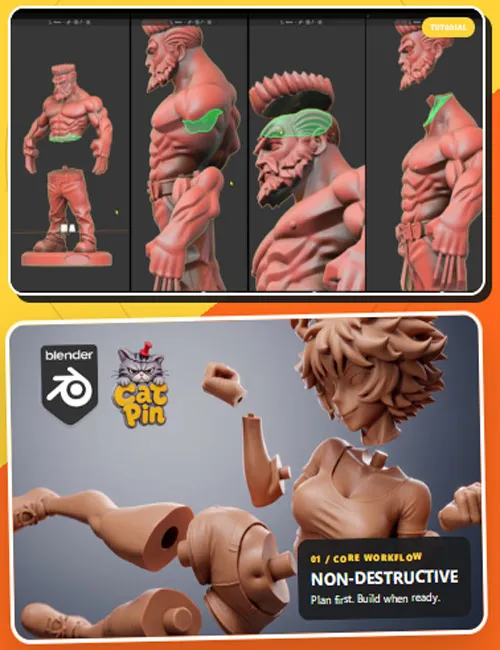
CatPin 1.0.6 (Stable) keeps the permissive local-cut behavior from Test 14: unrelated mesh defects elsewhere in the figure do not block a cut. Easy Mode always preserves each complete part and attaches the connector with local Boolean Union; it never Voxel Remeshes a result. Draft Mode has one optional `Remesh` repair switch, off by default. `Voxel Size` is used only after explicitly enabling that Draft switch.
Fast Boolean Union prevents connector-owner damage: the receiver hole remains a local Boolean Difference, the pin becomes a local Boolean Union, and neither side is voxel-reconstructed in Easy Mode or in the default Draft workflow. If Blender Exact returns an open connector-root seam or drops connector faces, CatPin rejects that damaged result and keeps the original closed pin shell in the same printable result object. It does not scan, repair or rebuild unrelated geometry elsewhere in the model.
Draft Build now records an error on the exact cut that failed. The Draft list shows that entry with a red error icon and the selected cut displays its saved reason. `Skip Problem Cuts` is off by default; when enabled, CatPin transactionally excludes failed cuts (including a failed connector stage) and builds every remaining usable entry.
After a successful Draft Build, `Return to Draft` restores the editable recipe. The adjacent `Approve` button asks for confirmation, keeps all finished cut fragments, clears every Draft source/history reference, and returns CatPin to Easy Mode. The next Draft starts from the currently selected mesh instead of resuming the previous model. Closing the confirmation window with Cancel changes nothing.
CatPin prepares a selected Mesh for 3D printing with bounded straight or curved cuts, a real total kerf, and optional fitted pin/hole connections.