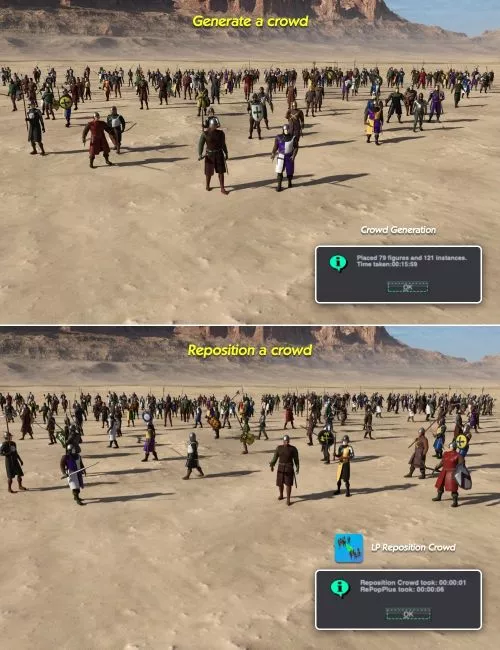
We have all been there: you generate a crowd, take a look, and realize a few LowPis need adjustment
Some may need repositioning, density changes, or better flow within the scene
With LP Reposition Crowd, you can easily refine and improve your crowd setup
If you feel like adding Direction Markers or Drop Points would have improved the layout, this tool allows you to make those changes after generation
It works with your existing LowPis and reorganizes them based on newly placed markers in the scene
You can move entire crowds between zones or swap them across different areas
A zone is defined by LP Border Markers or LP Area Markers
The real strength of LP Reposition Crowd comes after refining your scene
Once you fix clipping issues, adjust poses, tweak materials, and perfect the overall look, you can save the crowd as a scene subset
Later, you can merge it into a new scene, place new markers, and reposition the entire crowd without needing to regenerate it
This greatly reduces setup time, especially for large or complex scenes
LP Reposition Crowd is fast and efficient
Within seconds, it calculates new placements for your LowPis using the same logic as the original crowd generator
If you want to enhance your LowPi workflow and gain more control over your scenes, LP Reposition Crowd is a powerful tool to add to your toolkit