
MatineeFX
...
Discover the buried secrets of an empire… Uncover the ruins of an ancient city...
Upgrade: Sep 12, 2026 v0.9.0 Upgrade: Sep 05, 2026 v0.7.3 Upgrade: Aug 19,...
Embroidered Fabric Shaders is a collection of Iray shader presets featuring...
(heroturko.xyz)Bundle text style effect vector 500 EPS + preview...
VrayArt VRay Exterior Training Models and work files only max | 3D models |...
What is the FLIP Fluids addon? The FLIP Fluids addon is a tool that helps you...
Currently supports Windows Only.
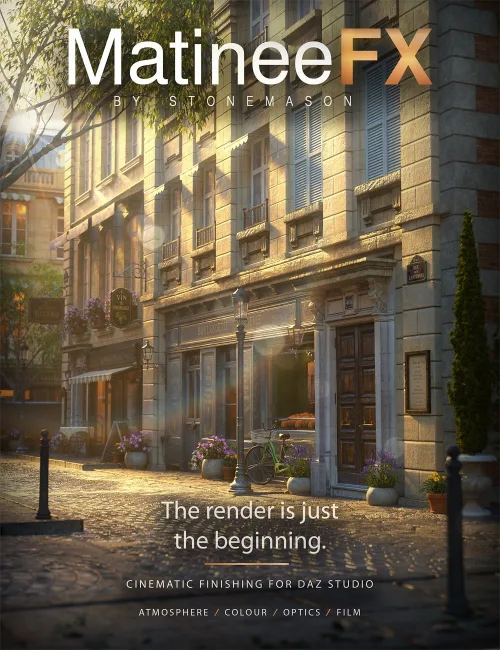
MatineeFX — by Stonemason
The render is just the beginning.
Bring your Iray renders to life with MatineeFX, a cinematic finishing workspace for DAZ Studio 4 and Daz Studio 6. Shape colour and contrast, build atmospheric depth, soften backgrounds and add the character of photographic lenses and film—all after your scene has rendered.
Give a sunlit courtyard a warm cinematic finish, bring luminous colour to a neon street, or draw attention to a portrait with carefully placed focus. Explore different treatments from the same captured render, compare the results and refine your image without rendering the scene again for each adjustment.
Render with MatineeFX captures the Beauty image and supporting passes, then opens the finishing workspace when rendering is complete. Automatic Float32 HDR handling uses available highlight information, while Distance and Emission data support depth-aware atmosphere, focus and optical effects.
Start with a creative preset or build your own look. From subtle colour correction to dramatic cinematic treatments, MatineeFX brings your finishing tools together in one dedicated workspace.
Features include:
-
Colour grading: exposure, contrast, midtones, shadow and highlight adjustments, colour balance and film-inspired colour response.
-
Atmosphere: depth-aware haze, textured atmospheric variation, ground fog and foreground depth shaping.
-
Depth of field: Pick Focus, adjustable focus range, near and far blur, aperture shapes and HDR highlight response.
-
Lens flares: individually placed and adjustable flares with anamorphic streaks, lens ghosts, rings, star glints and coating-inspired colour.
-
Light and glow: bloom, halation, anamorphic glare and veiling glare for effects ranging from gentle highlight diffusion to dramatic light streaks.
-
Lens and film character: chromatic aberration, vignette, lens dirt, light leaks, film grain and output sharpening.
-
Creative presets: explore built-in looks, adjust their strength and save your own recipes.
-
Clear comparisons: Before, After and Split views, individual effect bypass and full-resolution inspection.
-
Editable projects: save and reopen your work, create alternate versions and export finished images. Commit Look creates a flattened starting point for an additional finishing pass.
You can also open existing images for grading and supported effects. Depth-aware and HDR features require the appropriate source passes; image-based depth of field has limitations around transparency and complex overlapping edges.
Includes an illustrated Quick Start Guide and User Manual.
Your scene. Your light. Your finishing touch.
Quick Installation:
- 1. Install the product via DIM the plug in files are located in your library under \\General\\Stonemason\\MatineeFX for Daz Studio 4.5 or \\General\\Stonemason\\MatineeFX for Daz Studio 6
- 2. If Daz Studio was installed to default directory, just run the Install_matineFX.bat file
- 3. If Daz Studio is installed in a different directory, drag the folder where it is installed onto the Install_matineFX.bat file
- 4. Refer to Install.txt located in the zip folder for more detailed information.
Detail Link: https://www.daz3d.com/matineefx
DOWNLOADYou must login to show this link. No account? Create One