
Wrap Gen - Generate Fully Customisable/Procedural Wraps
Related Articles
Chassia Outfit G8F/G9F
On 11-Dec-23
by
Give your ladies a new sexy outfit, it's sportive, but also ideal for...
Give your ladies a new sexy outfit, it's sportive, but also ideal for...
Venus Outfit G8F
On 12-Feb-24
by
Required 3rd Party Products Genesis 8 Female...
Required 3rd Party Products Genesis 8 Female...
Tera Outfit G8F
On 28-Feb-24
by
A new stunning outfit for your digital ladies is now ready to play with! You...
A new stunning outfit for your digital ladies is now ready to play with! You...
Sano Suit G8F
On 12-Feb-25
by
A new astonishing suit waits for your Genesis8Females. Purrfect for scifi or...
A new astonishing suit waits for your Genesis8Females. Purrfect for scifi or...
Rissi Suit G8F
On 16-Jan-24
by
Space exploration, super heroine or party hopper. Although revealing, this...
Space exploration, super heroine or party hopper. Although revealing, this...
Fotia Outfit G8F
On 20-Sep-23
by
Fotia is greek and means fire, and this outfit is hot as fire. You get: -...
Fotia is greek and means fire, and this outfit is hot as fire. You get: -...
Liv Dress G8F dForce
On 24-May-25
by
Turn your G8F into a femme fatale with this tight dress and high gloves. You...
Turn your G8F into a femme fatale with this tight dress and high gloves. You...
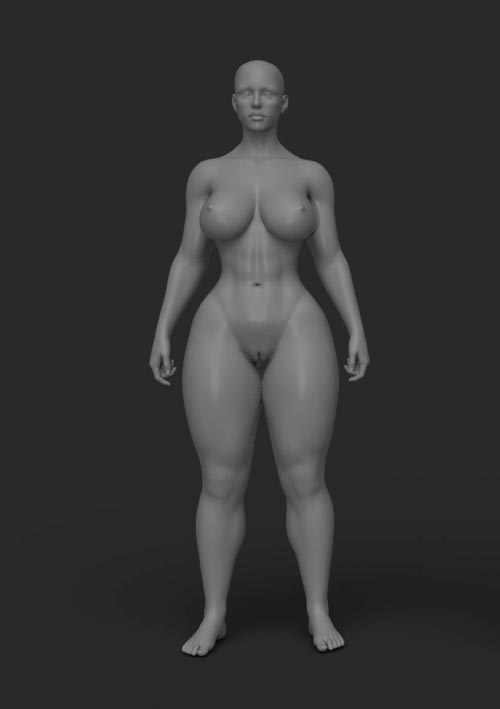
Wrap Gen is a generator designed to allow users to have full control over wrap creation. The generator allows your to set your own custom geometry to be wrapped. You can choose to array objects along the wraps OR wrap single objects along the wrap curves.
Wrap Gens internal shrinkwrap/convex hull system that takes into account the contours of the shape you are wrapping too. It will behave exactly as a tight rope/strap should over concave/convex areas of your mesh ensuring realistic results.
Functionality:
Step 1: Draw out a guide curve (either poly curve or bezier) Please see FAQ if you are unsure how to create poly curves.
Step 2: Set the desired amount of wraps (you can even create a single wrap and duplicate the curve (in edit mode) to have have individual control over each wrap)
Step 3: Adjust the curve radius to dial in where the wraps interact with the target mesh/collection
Step 4: Set your target mesh/collection and your wrap mesh (default wrap mesh will be a standard tube).
Step 5: Customize your settings to add randomness etc.
Product ID: orpixels-sw-morph-G8F
Detail Link: https://superhivemarket.com/products/wrap-gen---create-customisable-procedural-wraps
DOWNLOADYou must login to show this link. No account? Create One
Category: Daz & Poser
Detail Link: https://superhivemarket.com/products/wrap-gen---create-customisable-procedural-wraps
DOWNLOADYou must login to show this link. No account? Create One